| File Name | LSposed Manager |
|---|---|
| Size | 6.47MB |
| Version | v1.11.0 |
| Category | Magisk Modules |
| Android requirement | + 6.0 |
| Published By | Jing Matrix |
| Credit | Lsposed Developer |
| Price | Free |
Get Link
How to Install (The Easy Way)
I always recommend the Zygisk method because it’s cleaner.
- Make sure you have Magisk 24.0+ installed on your device.
- Open your Magisk Manager.
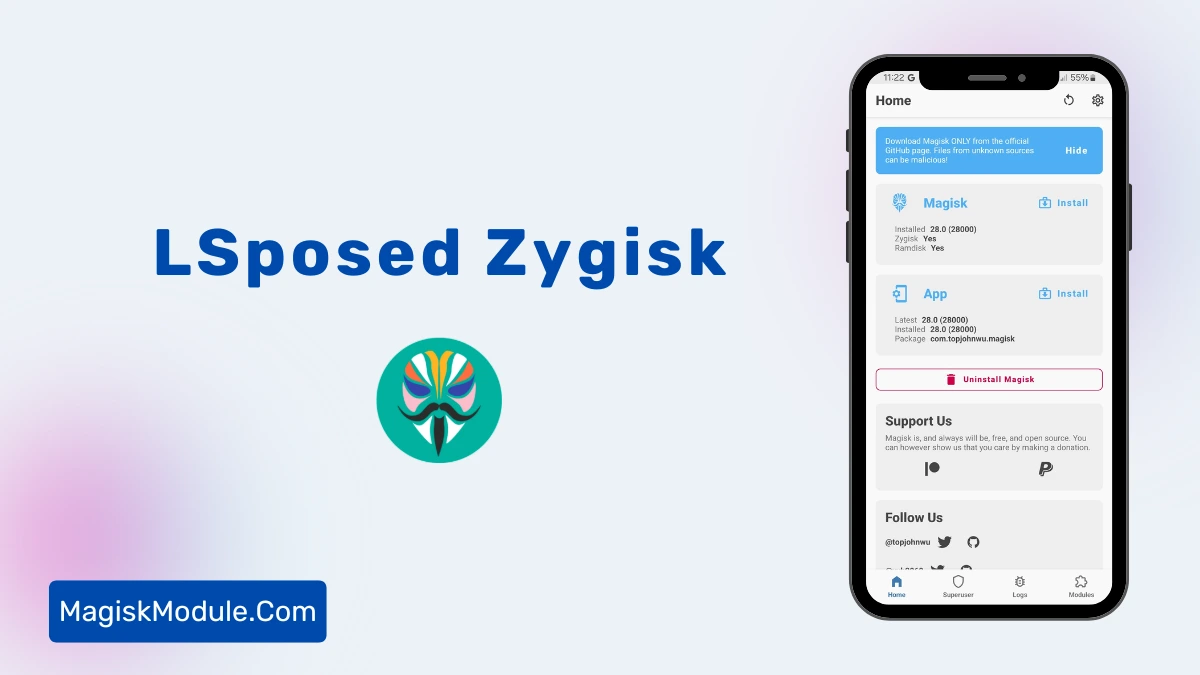
- Go to settings and enable Zygisk.
- Reboot your phone.
- Download the LSPosed Zygisk release zip file.
- Open Magisk, go to “Modules,” and flash the zip.
- Reboot again.
How to install LSPosed Manager APK?
- Download the latest LSposed Manager APK
- Enable Unknown Sources in device security settings
- Install the downloaded APK
- Open the LSposed Manager application
Rooting your device and having your phone “brick” after a disagreement between the system UI and a Xposed module, was something you just dealt with a long time ago. If you still do that in 2026, you should give LSPosed a look.
Honestly, I’m a bit more than just a bit happy that I switched from the legacy EdXposed to LSPosed. The thing is, LSPosed feels just so much cleaner, so much faster, and so much less heating up of my phone (now no longer feels like a toaster to hold, awesome). So here is why I’m currently (months of use now) still loving the new root framework, LSPosed.
The Real-Life Experience
I used to feel anxious about enabling a 3rd party module. Now, I feel zero anxiety about installing any tweaks with LSPosed. One of the main reasons I like LSPosed is the “Scope” option.
When I first rooted my iPhone 4s, it was actually quite simple. Enable this tweak and this would happen. And this. And this. You get the idea. Nowadays the iOS system is so tightly locked down that most tweaks can only affect certain apps when you want them to and not others when you don’t. With LSPosed, I can now choose which apps are modified by any given tweak I have installed. So if I just want to have a tweak modify only Instagram, I can select just Instagram in LSPosed. This helps to keep the rest of my system stable, while also allowing me to keep my system systemless, which tends to cause fewer problems in apps such as banking, so you’ll still need to hide root properly, but this is even easier now too.
Installation was fairly straightforward. I zipped it up and flashed it with Magisk using Zygisk (as i prefer a more minimal setup for these kinds of apps). Reboot and thats it. The LSPosed Manager shows up and is ready to go. Zero issues.
The Features
Want to know if I actually think this Manager thing is worthwhile? I’ll break it all down for you and also share my first hand experience with some of the key features.
- Simple Magisk Installation You can just flash this directly via Magisk Manager. No need to deal with some silly recovery script.
- Modern Material UI: The UI isn’t stuck in 2014. It’s clean, dark-mode friendly, and easy to use.
- Zygisk & Riru Support: If you’re on the Zygisk or Riru versions, don’t worry, this app still supports both.
- Granular Control: This is the killer feature. I can enable or disable features per app.
- Conflict Detection: Managers tell you when there is going to be a conflict between two modules. Time-saving when dealing with lots of code.
- Systemless Integration: does not modify the system partition of the core operating system. This is a lot safer than traditional ROM tweaking applications.
- Detailed Logs: In theory things shouldn’t break but when they do the logs are at least readable so it’s easier to trace the cause of any issues.
- Privacy Focused By default, our modules are only loaded when they are called, which means they are not loaded globally. This means you will not leak data to an app which does not need it.
Final Verdict
If you’re rooted, you’ll need a framework manager. LSPosed isn’t just another choice, it is actually the standard choice as of now. It is stable, it looks great and I don’t feel nervous about using my default device.
You still haven’t switched? Grab the zip and flash it in Magisk and thank me later.