| File Name | Bypass Charging |
|---|---|
| Size | 124KB |
| Version | v3.10 |
| Category | Magisk Modules |
| Android Requirement | + 6.0 |
| Published By | @tosikv02 |
| Rating | 4.9 / 5 |
| Flash Via | Magisk, KSU, APatch |
Get Link
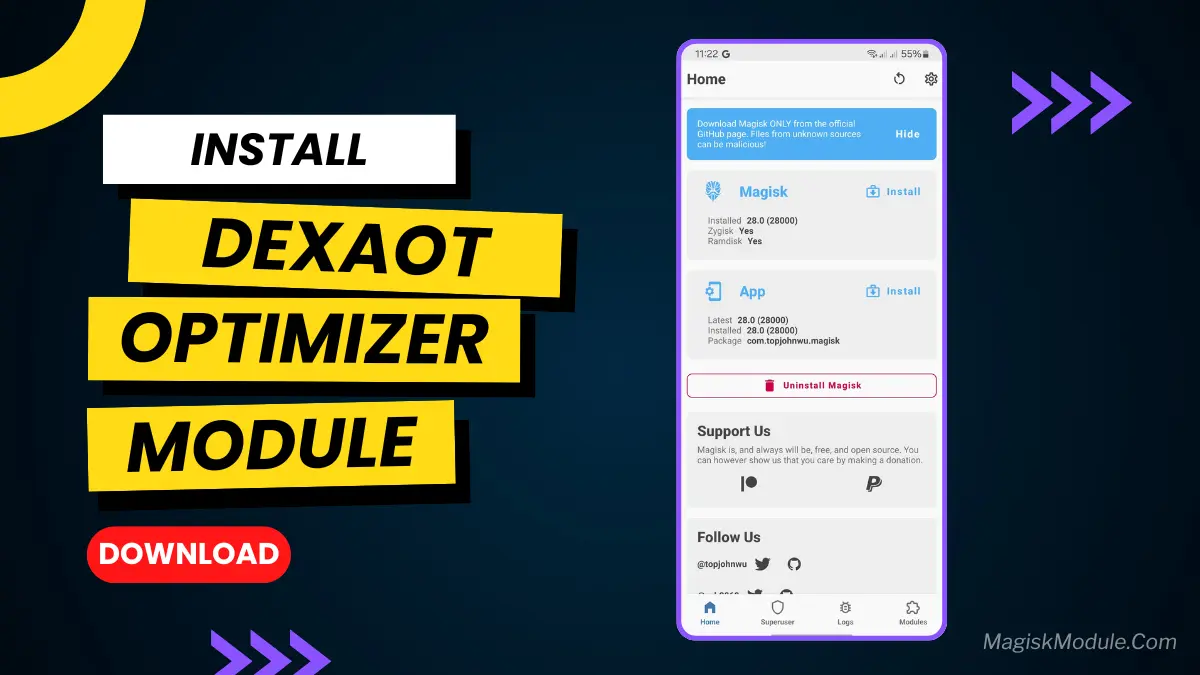
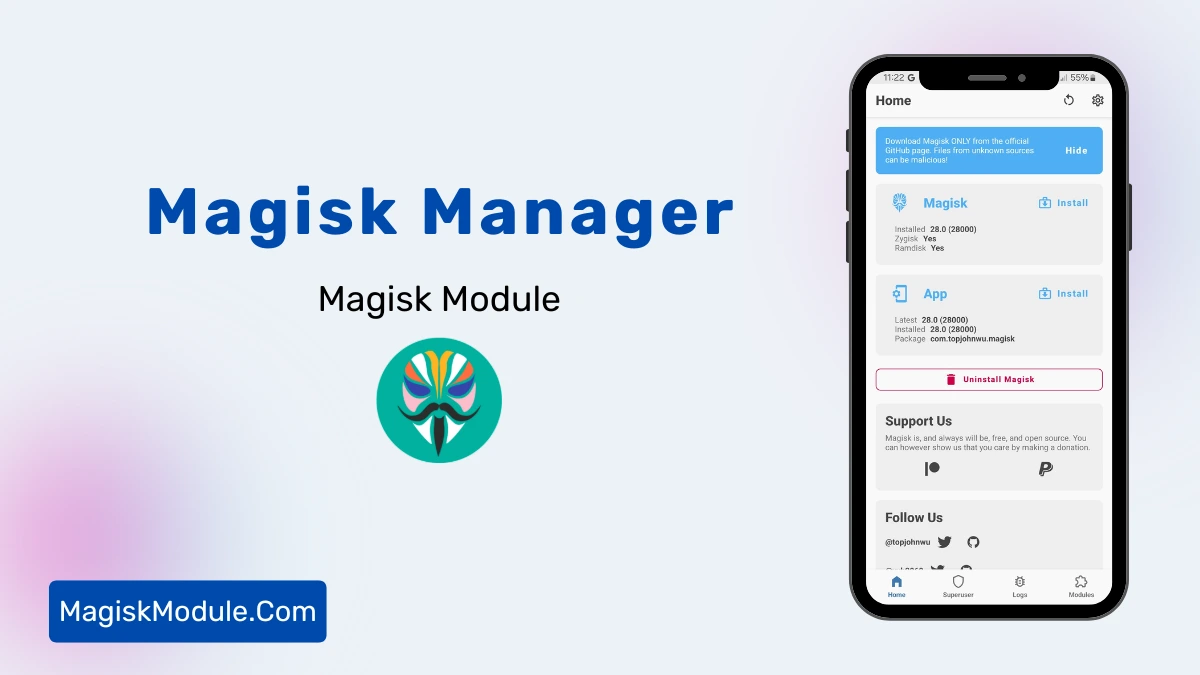
Step-by-Step Installation:
- Ensure Root Access: The first prerequisite is having root access.
- Install via Magisk Manager:
- Open the Magisk Manager.
- Tap on the “Modules” section.
- Click “Install from Storage” and locate the geted file.
- Confirm the installation and allow the module to apply the necessary changes.
- Reboot Your Device: After installation, reboot your device to activate the module.
What does it do?
Most people don’t know this but charging a phone and using it at the same time puts extra wear on the battery. This happens because first, electricity flows into the battery to charge it, and then the battery sends that electricity to power your phone. Repeated cycles like that can increase battery life’s eventual decline due to elevated temperatures.
This update supports Bypass Charging, meaning when connected to a charger the charger will power the phone directly, rather than via the battery. So while you’re gaming, watching or streaming your battery level will simply stay where it is, without wasting energy on charging it and without the associated heating. The battery isn’t being worn either.
It’s similar to a laptop being powered by both a battery and a wall plug, instead of just the battery.
Benefits
- 🌡️ Lower temperatures — during gaming your phone stays quite cool.
- 🔋 Less battery wear – by having fewer charge/discharge cycles which in the long run will increase the lifespan of the battery.
- ⚡ Stable performance — because less heat means less throttling of the processor.
- 🎮 Auto-On/Off – Bypass works automatically turning ON as soon as you open a game and automatically turns OFF as soon as you close it.
- 🔧 No configuration required – just install and the software will start automatically recognising many popular games.
How effective is it?
It seems to depend on the charger’s power.
- With a fast charger (33W, 65W, 120W and above) the difference is very noticeable. These chargers create a lot of heat just during normal charging, so skipping the battery altogether makes a pretty big difference. The phone also feels a lot cooler to hold as well.
- With standard charger (10W–18W) — This will still reduce the phone’s heat but not as much as with the other 2 options.
Fast charging brings most value when the charger is also fast.
Automatic mode
This module also monitors which app is currently active (running on your screen). When you launch a built-in game app (charging by turns will automatically activate), and then go back to other apps (or home screen) – it will automatically turn off and you’ll switch back to normal charging.
We have already added 60 popular games and applications such as PUBG Mobile, Genshin Impact, Call of Duty Mobile, Wild Rift, Minecraft, Roblox, and many others. You can add any other app that you would like using the menu on the right.
Menu
Open the menu with:
su -c bpsmtkThe menu has three sections:
Charging control
You can also manually turn the bypass on/off from this page. This is useful if you wish to turn bypass on for a video or for a long session of work/app use etc and then turn it back off later. It will override any app specific settings and works regardless of which app you are currently using.
Daemon & settings
This is where Automatic Mode lives. Within this screen you can choose to start / stop the background process, turn on/off the automatic switching and also adjust how often the app checks to see which game is in the foreground by default it is set to every 5 seconds.
App database
The list of current apps that enable bypass, as well as user submitted apps that force bypass or remove instances where bypass doesn’t work. Please submit package names (e.g. com.tencent.ig for PUBG Mobile) to keep this list updated and complete.
Quick commands
Wenn du das Menu nicht jedesmal öffnen möchst.
Bandwidth usage for svn-commit-users is a major concern for this list. Therefore, I have enabled the bypass option for now (i.e. -on) with the script bpsmtk. To re-enable posting of Diff YAMLs, use bpsmtk -off.
su -c bpsmtk -off # disable bypass
su -c bpsmtk -status # check current state
Requirements
- MediaTek (MTK) device
- Magisk or KernelSU with root access
- Android 10 or higher
This module only works on MediaTek devices. If your device is not supported please note that the installer will warn you of this before making any changes.
by @kernelesp & @TosikV02