| File Name | JavaOS Pro |
|---|---|
| Size | 75KB |
| Version | v1.0 |
| Category | Magisk Modules |
| Android Requirement | + 6.0 |
| Published By | @Java_nih_deks |
| Rating | 4.9 / 5 |
| Flash Via | Magisk, KSU, APatch |
Get Link
Step-by-Step Installation:
- Ensure Root Access: The first prerequisite is having root access.
- Install via Magisk Manager:
- Open the Magisk Manager.
- Tap on the “Modules” section.
- Click “Install from Storage” and locate the geted file.
- Confirm the installation and allow the module to apply the necessary changes.
- Reboot Your Device: After installation, reboot your device to activate the module.
So, phone lag. We all know the scene: you’re playing the most urgent game in the world and then suddenly everything just kinda chugs to a halt. As annoying as that is, a couple of days ago I decided enough was enough. Being the fan boy that I am, I at last decided to give the JavaOS Pro Magisk Module a try. Having done pretty much zero reading on it beforehand, I had a pretty low bar for expectations, and yet what this little module appears to do is act as some sort of magical, backdoor overclock that unlocks insane gains for your device’s overall performance.
I flashed it via Magisk Manager. It supports KSU, APatch and other root tools. It wasn’t exactly magic but pretty close. I was surprised at how much quicker menus opened and how much smoother games ran. Overall a very nice little tweak.
Here’s the core of what JavaOS Pro does:
- FPS Booster: Smoother animations and gameplay.
- RAM Boost: Frees up memory so apps don’t fight each other.
- CPU/GPU Optimization: Manages power more efficiently.
- Low Ping Gaming: Prioritizes your game’s network traffic.
- Background App Killer: Silently closes apps you aren’t using.
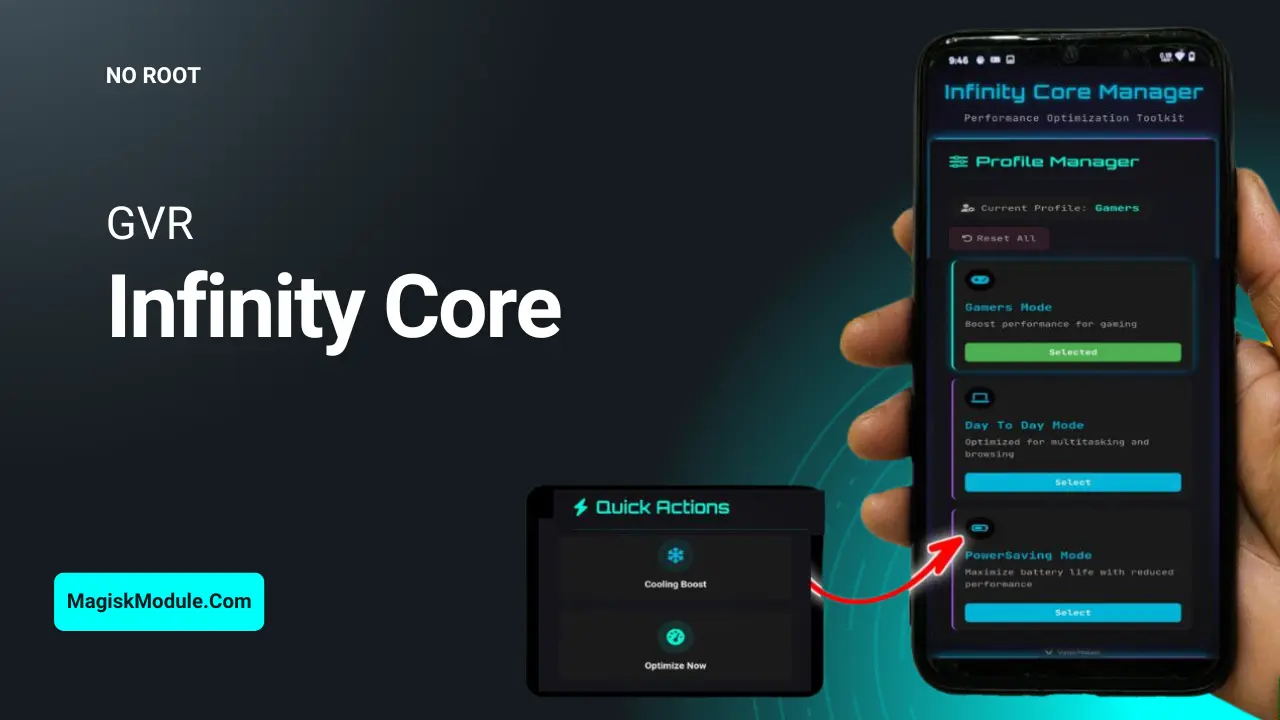
- Balance, Performance & Gaming Dashboard: One place to tweak your modes.
Smart Foreman By tweaking various parameters in Java and kernel, Smart Foreman optimizes the resource utilization on your phone at the exact right time and for the exact right tasks. I am still on a roll with my match three game addiction.
A Miracle? No! But all things considered for a free root module this app does bring a bit of shine to your screen. So if you’ve rooted your device I highly recommend giving this app a try. Just back up whatever you’re using to backup apps in your root manager before installing this app. Just in case.