| File Name | 3 Combo Modules |
|---|---|
| Size | 6MB Total |
| Version | Latest 2026 |
| Category | Vexiro Modules |
| Android requirement | + 6.0 |
| Published By | @traatweak |
| Rating | 4.9 / 5 |
| Supported | No Root |
Get Link
Step by Step Installation
Install Shizuku App
- Get the Shizuku app from the google play store.
- Install the app on your device.
How to setup Shizuku app on your device
To use Shizuku, you’ll need to enable Developer Options on your device:
- Turn on Wifi
- Go to Settings > About Phone.
- Tap Build Number 7 times to unlock Developer Options.
- Then again go to the Shizuku app and tap on Pairing button.
- Go back to Settings > System > Developer Options and Enable Wireless debugging.
- Tap Wireless debugging > Pair device with pairing code.
- Copy the wifi paired code.
- Put the wireless pairing code in notification panel.
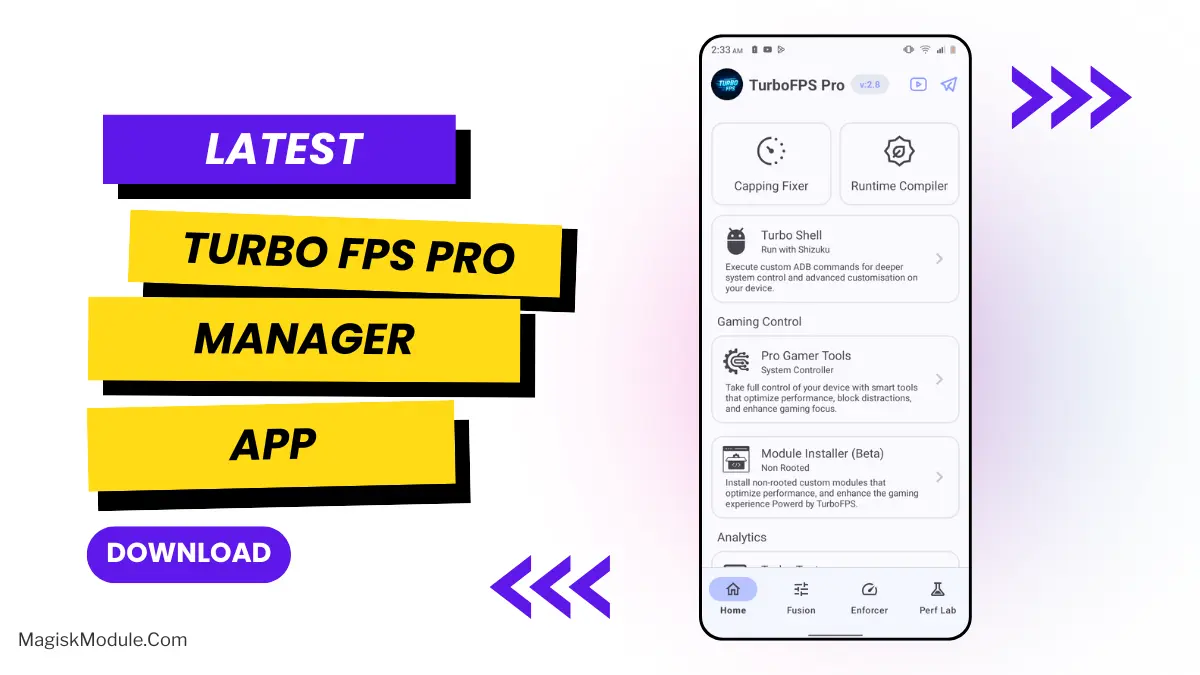
- Install Vexiro Manager and grant necessary permissions via Shizuku.
- [Video Tutorial For Setup Shizuku]
Install Vexiro Modules
- Grant Permissions: Grant necessary permissions via Shizuku.
- Install via Vexiro Manager:
- Open the Vexiro Manager.
- Tap on the “Modules” section.
- Tap on the “Install Module From Storage” section.
- Tap on the “SELECT A FILE” section and locate the geted file.
- Tap on the “Right Arrow ➡️” section And Confirm the installation.
- Reboot Your Device: After installation, reboot your device to activate the module.
1. AimBoost Gaming Suite
This module serves as an esports gaming optimization package focused on enhancing aim accuracy and control responsiveness Key features include gyro sensor tuning for shot stabilization, touch polling rate boost up to 240 Hz, input latency reduction, and high-performance graphics rendering configuration
to maximize frame rates and visual smoothness The system also optimizes memory management, disables throttling, and fine-tunes touchscreen parameters for movement precision, making it ideal for FPS and competitive games that rely on pinpoint aiming and fast reactions
2. Game Performance Optimizer
This module functions to enhance gaming performance by disabling resource-intensive tracing and vsync features The script grants special access permissions, optimizes device configurations to reduce latency, and performs speed-profile compilation on popular It includes asset preload settings and ART boosts to maximize gameplay smoothness across various Android versions
2. Touch Sensitivity & Latency Optimization
This Modules is an Android system tuning script focused on optimizing touch sensitivity and reducing input latency. It configures touchscreen parameters such as sampling rate (up to 240Hz), pressure scale, touch size calibration, and polling rate to enhance touch response speed and accuracy. Additionally, the script adjusts Surface Flinger and VSync settings to minimize visual lag, and speeds up UI animations (window/transition scale 0.25) to make interactions feel more instant and smooth.