| File Name | DC AuralisXperience |
|---|---|
| Size | 1.2MB |
| Version | v3.0 |
| Category | Vexiro Modules |
| Android requirement | + 6.0 |
| Published By | @DCXperience |
| Rating | 4.9 / 5 |
| Supported | Non Rooted |
Get Link
Step by Step Installation
Install Shizuku App
- Get the Shizuku app from the google play store.
- Install the app on your device.
How to setup Shizuku app on your device
To use Shizuku, you’ll need to enable Developer Options on your device:
- Turn on Wifi
- Go to Settings > About Phone.
- Tap Build Number 7 times to unlock Developer Options.
- Then again go to the Shizuku app and tap on Pairing button.
- Go back to Settings > System > Developer Options and Enable Wireless debugging.
- Tap Wireless debugging > Pair device with pairing code.
- Copy the wifi paired code.
- Put the wireless pairing code in notification panel.
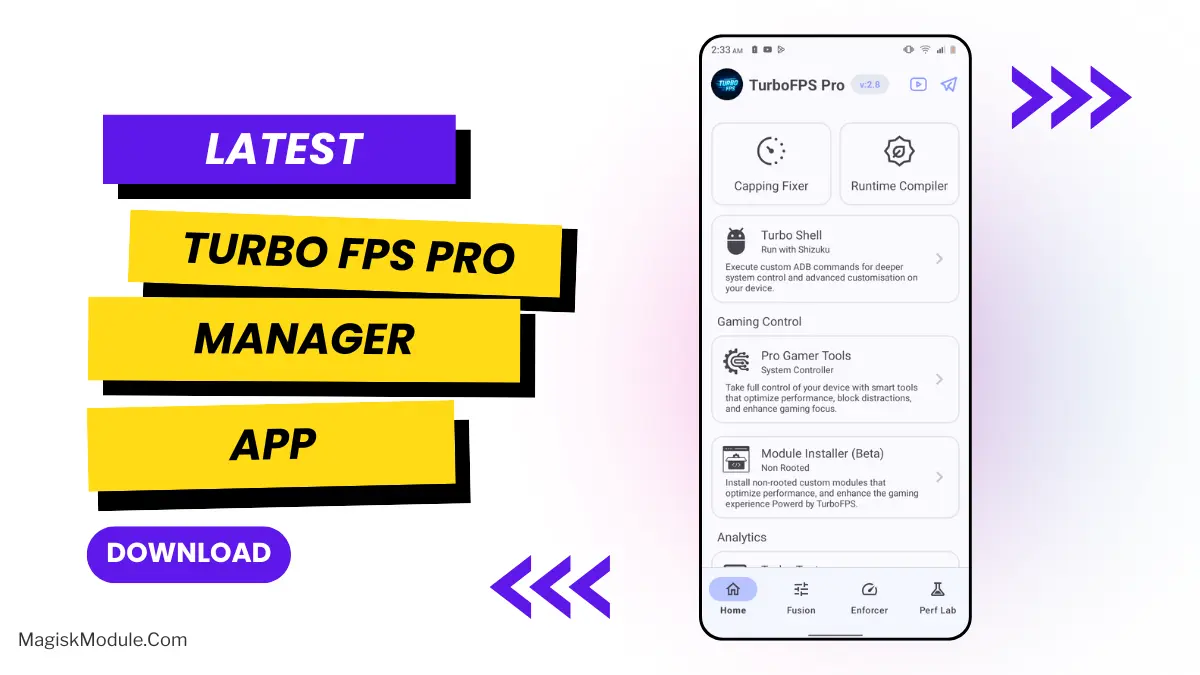
- Install Vexiro Manager and grant necessary permissions via Shizuku.
- [Video Tutorial For Setup Shizuku]
Install Vexiro Modules
- Grant Permissions: Grant necessary permissions via Shizuku.
- Install via Vexiro Manager:
- Open the Vexiro Manager.
- Tap on the “Modules” section.
- Tap on the “Install Module From Storage” section.
- Tap on the “SELECT A FILE” section and locate the geted file.
- Tap on the “Right Arrow ➡️” section And Confirm the installation.
- Reboot Your Device: After installation, reboot your device to activate the module.
Android audio sucks, and that’s no less true for games, microphones, or mp3s – even with a decent equalizer you tend to get little in the way of real result. My experience with the DC AuralisXperience Module in the Vexiro Manager app (no root required) has been impressively good for android audio.
I can notice a difference. I’ve got a shooter game open right now and even when I’m moving around and shooting, there is no lag between me hitting the fire button and the audio playing. Typically there is a small delay with standard audio playback, but with Dolby Atoms that delay isn’t there. It really makes the normal game I play in sound a lot better since the audio now keeps pace with the action on the screen. The music sounds fuller and podcasts sound a lot more natural. You can really pick out the nuances of normal human speech more so than before. The soundfield also sounds a lot larger and more realistic as well.
Features
• Crushes audio lag for gaming and media.
• Cleans up output for distortion-free sound.
• Widens soundstage for pinpoint audio accuracy.
• Fine-tunes system pipelines in real-time.
• Boosts wireless & wired playback stability.
• Balances sound for a natural, rich reproduction.
• Even clears up microphone input for calls.
This module optimizes a few sections of the Android audio engine and prioritizes audio quality over everything else. I have no idea how it actually works, but my music sounds better and so do my games.
I want the default ringtone to sound better. Best non-root audio enhancement for your phone exists. It’s honestly really good. Search for Vexiro Manager on Github, download it, and pay for it. Then activate the AuralisXperience module and you’ll sound best with whatever headphones you have.