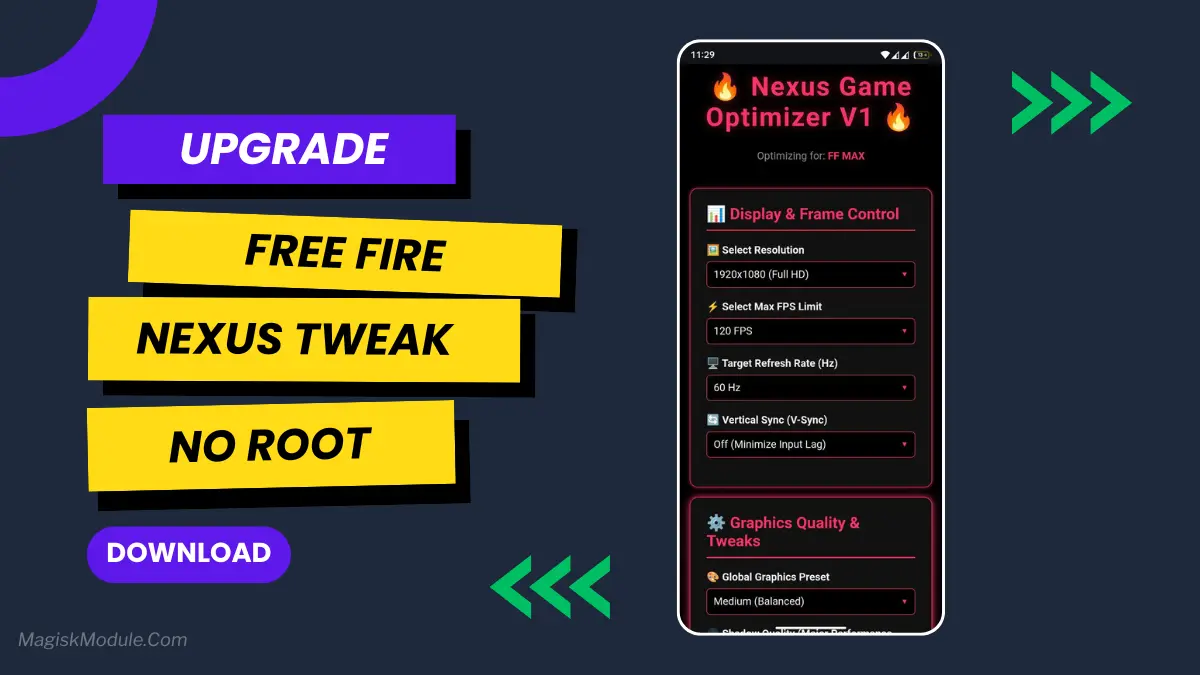
| File Name | Nexus Tweak |
|---|---|
| Size | 32KB |
| Version | v2.5 [Only For Shizuku] |
| Category | AxManager Plugin |
| Android requirement | + 6.0 |
| Published By | Zexpo Tweaks |
| Rating | 4.9 / 5 |
| Install Via | AxManager |
Get Link
How to use via Shizuku?
- How To Install:
- Enable “Unknown sources” in your device’s settings
- Open your device’s file manager
- Find the APK file
- Tap the APK file to install the app
- Confirm the installation
Setup Shizuku
- Getthe Shizuku app from the google play store.
- Install the app on your device.
How to setup Shizuku app on your device
To use Shizuku, you’ll need to enable Developer Options on your device:
- Turn on Wifi
- Go to Settings > About Phone.
- Tap Build Number seven times to unlock Developer Options.
- Then again go to the Shizuku app and tap on Pairing button.
- Go to Developer Option > Enable Wireless debugging from Developer Option.
- Tap Wireless debugging > Pair device with pairing code.
- Copy the wifi paired code.
- Put the wireless pairing code in notification panel.
- [Video Tutorial For Setup Shizuku]
How to Use AxManager?
- Active AxManager: First, you need to make sure it is active.
- Install via AxManager:
- Open the AxManager.
- Tap on the “Plugin” section.
- Click “Install from Storage” and locate the geted file.
- Confirm the installation..
- Reboot Your Device After installation.
How to Active AxManager?
To use AxManager, you’ll need to enable Developer Options on your device:
- Turn on Wifi
- Go to Settings > About Phone.
- Tap Build Number seven times to unlock Developer Options.
- Open the AxManager, Click “Need To Active”.
- Enable Notification & Click Start Button.
- Click Wireless debugging & Enable Wireless debugging.
- Click Pair device with pairing code.
- Click on “Enter Pairing Code” above and paste the WiFi pairing codes there.
You’re in the final circle. You see an opponent, go to scope in, and—stutter. That split-second lag gets you knocked out. Sound familiar? It used to drive me crazy, too. That’s why I tried the Nexus Tweak, and honestly, it’s become a must-have for my Free Fire sessions.
It’s a simple install through AxManager that fine-tunes your phone specifically for gaming. Think of it as a free backstage pass that lets your device perform at its absolute best for Free Fire. You’re not just getting a small boost; you’re unlocking a much smoother experience.
Features:
- Feel an instant boost in your Free Fire performance right after it’s installed.
- Achieve higher, more stable FPS so the action stays fluid, especially in crowded areas.
- Drastically reduce lag and stutter for consistently smoother gameplay.
- It optimizes your CPU & GPU to prioritize the game over everything else.
- Improves overall device responsiveness, so your commands register faster in a firefight.
- Acts as a smart background task cleaner for better game stability.
- Enhances graphics rendering to push out frames faster and more efficiently.
- Lowers heating issues so your phone can maintain peak performance longer.
- It uses auto-tuning to adjust settings for the optimal gaming experience on the fly.
If you’re serious about playing better, this tweak removes a major obstacle—your phone’s limitations. It lets you focus on your strategy, not on fighting lag.