| App Name | HyperOS 3.0 Camera |
|---|---|
| Size | 198MB |
| Version | v6.2.000460.0 |
| Category | Ported App |
| Android requirement | + 6.0 |
| Published By | Team APW |
| Rating | 4.9 / 5 |
| Supported | All Android |
Get Link
Step-by-Step Installation
- How To Install:
- Enable “Unknown sources” in your device’s settings
- Open your device’s file manager
- Find the APK file
- Tap the APK file to install the app
- Confirm the installation
Let’s be real. How many times have you taken a photo with your Android phone and thought, “Well, the scene was better in person”? I’ve been there. My old phone’s camera made sunny days look hazy and night shots look like abstract art. I wanted better processing without buying a flagship.
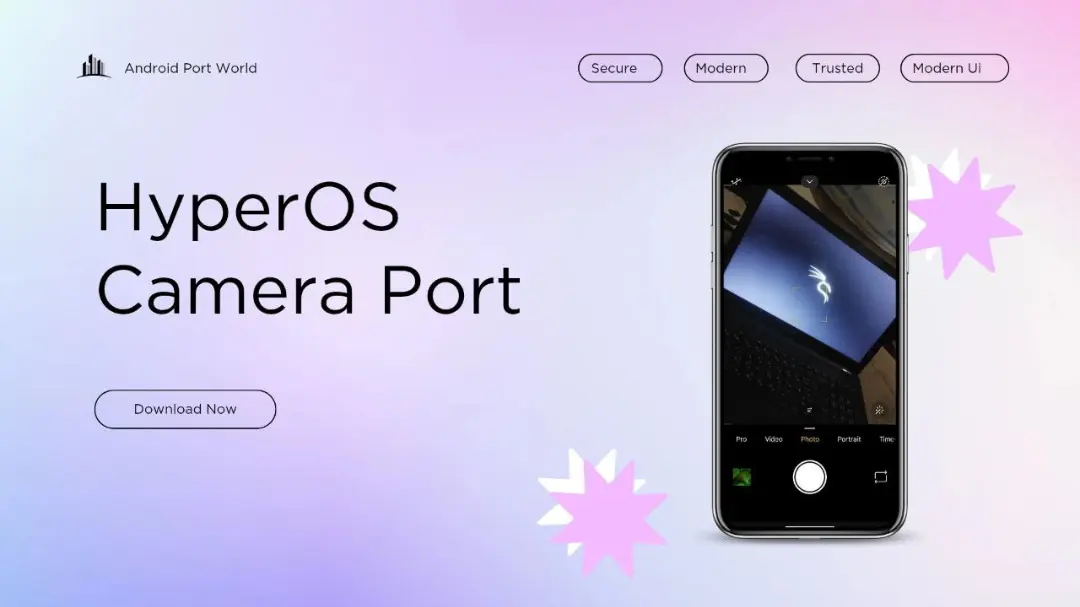
Good news: developers have ported the HyperOS camera app to work on almost any Android device. It’s like getting a camera software upgrade for free.
This isn’t just a new skin. It brings the actual imaging tech from Xiaomi’s HyperOS to your phone. Think of it as a talented chef (HyperOS) now cooking in your kitchen (your phone). The ingredients (your hardware) are the same, but the results? Much tastier.
Camera Features:
- Enhanced image processing for noticeably sharper photos with more vivid, true-to-life colors.
- Advanced HDR support that finally balances those blasted bright skies and dark shadows.
- Improved low-light performance, so night photography isn’t just a grainy mess.
- A smooth, lag-free UI inspired by HyperOS’s clean design.
- Optimized video recording with better stabilization support.
- AI-powered scene detection that actually understands what you’re pointing at.
- Faster launch and capture, so you never miss the moment.
The beauty is its compatibility. You don’t need HyperOS. If you’ve got a reasonably modern Android version, you can likely install it. I tried it on a two-year-old mid-ranger, and the difference was clear. Photos had more detail, and colors popped without looking fake. The HDR made my backyard look… respectable.
Of course, it’s a port, not magic. It can’t upgrade your physical camera sensor. But it maximizes what your hardware can do by applying smarter software. It’s the closest thing to a free camera upgrade you’ll get.
Just do a quick search for the latest “HyperOS Camera Port APK” from trusted developer forums like XDA. Always download from reliable sources, check compatibility notes, and enjoy seeing your phone’s camera finally stretch its legs.