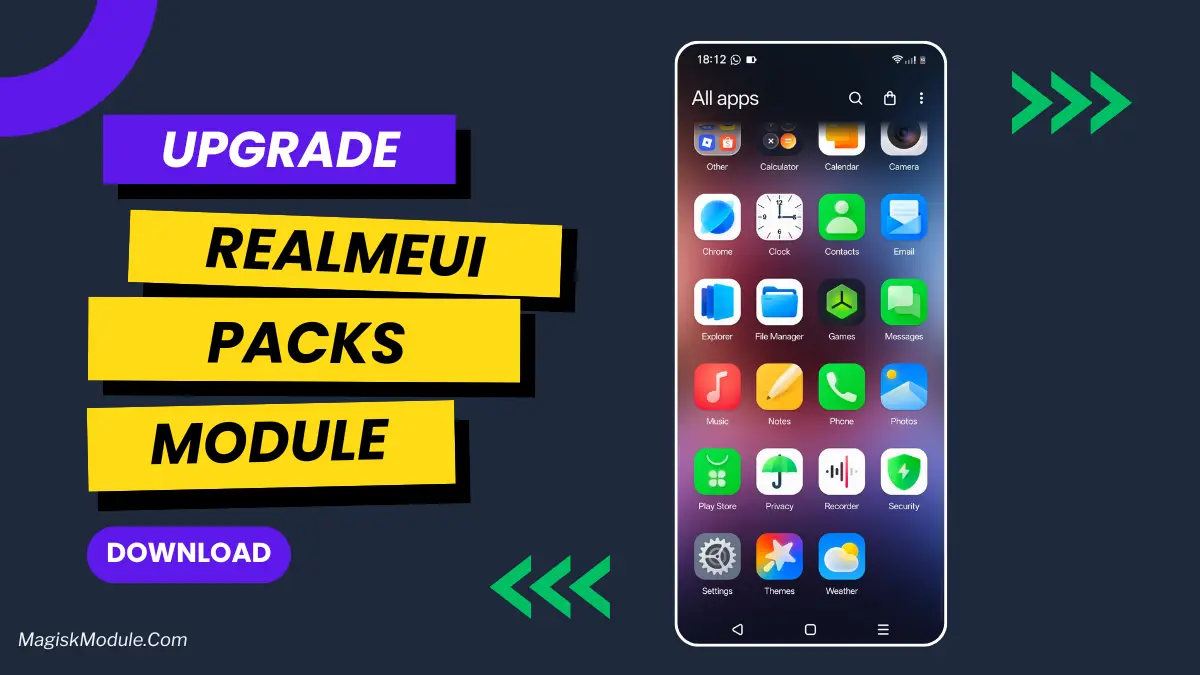
| File Name | RealmeUI Packs |
|---|---|
| Size | 503MB |
| Version | v12.3 |
| Category | Magisk Modules |
| Android Requirement | + 6.0 |
| Published By | @CottonCloudMods |
| Rating | 4.9 / 5 |
| Supported | Android 12 To A16 |
Get Link
Step-by-Step Installation:
- Ensure Root Access: The first prerequisite is having root access via a custom recovery.
- Install via Magisk Manager:
- Open the Magisk Manager.
- Tap on the “Modules” section.
- Click “Install from Storage” and locate the geted file.
- Confirm the installation and allow the module to apply the necessary changes.
- Reboot Your Device: After installation, reboot your device to activate the module.
Tired of your phone’s boring, stock look? I get it. You see those slick Realme UI interfaces and wish you could have that polish on your own device, right? Well, guess what? You totally can, and it’s a game-changer.
This nifty Magisk module brings the heart of Realme UI to almost any Android phone. It’s like getting a backstage pass to all the cool features without buying a new device. We’re talking about a complete visual and auditory overhaul that makes your phone feel brand new.
Features
- Make It Yours: Completely reskin your Calendar, Clock themes, and Gallery apps to get that clean Realme look.
- Sounds & Style: Change up those little details everyone notices. We’re talking new Wi-Fi and battery icon styles, custom charging sounds, and even different lock/unlock screen sounds.
- Icons & Navigation: Go wild with icon pack customization, change the icon shape, and even swap out your navigation bar icons. It’s your home screen, your rules.
- Daily Drivers: Get your hands on ported apps like the Realme Music Player, Notes app, and a custom keyboard for that seamless, daily experience.
- The Full Immersion: Don’t forget the finishing touches—beautiful live wallpapers, useful home screen widgets, and a slick new boot animation logo and fonts.
It’s honestly one of the most comprehensive ways to get a fresh vibe on your phone. Just remember, you’ll need a rooted device with Magisk to make the magic happen. Once you dive in, you won’t believe it’s the same device in your hand!