| File Name | Custom Keybox |
|---|---|
| Size | 1 KB |
| Version | Final |
| Category | Magisk Modules |
| Android requirement | + 6.0 |
| Published By | Meow Dump |
| Rating | 4.9 / 5 |
| Price | Free |
Get Link
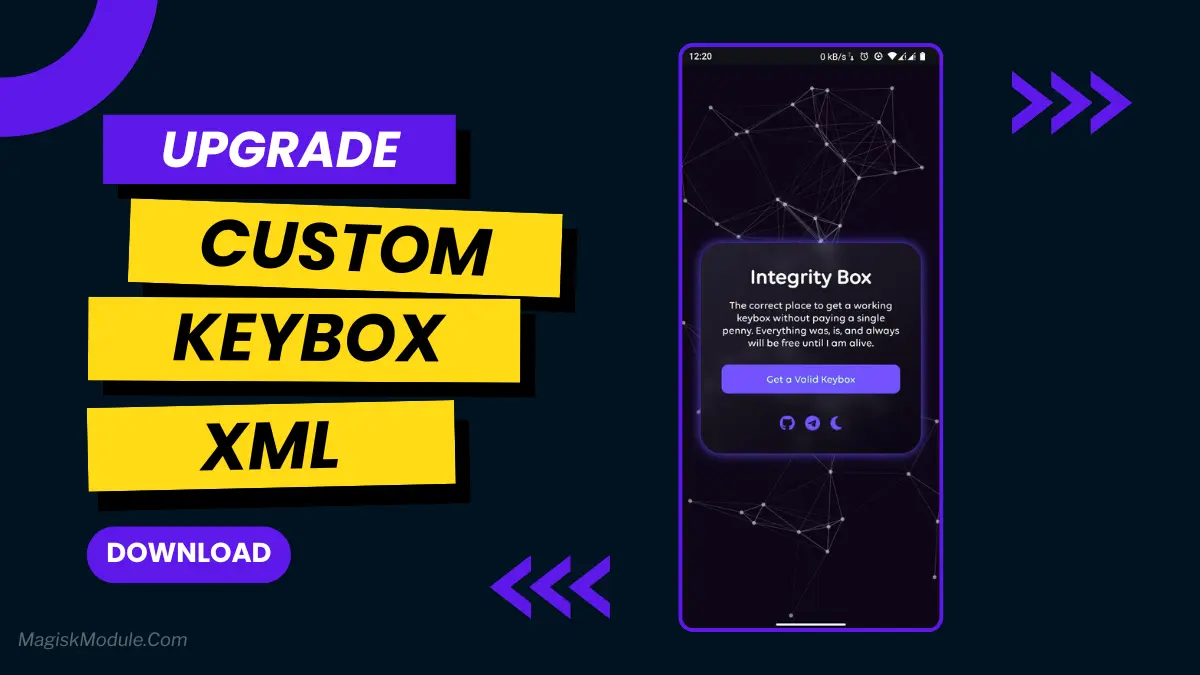
You’ll get a new keybox everytime you click on GET A VALID KEYBOX button
Step-by-Step Installation:
- Ensure Root Access: The first prerequisite is having root access via a custom recovery.
- Install via Magisk Manager:
- Open the Magisk Manager.
- Tap on the “Modules” section.
- Click “Install from Storage” and locate the geted file.
- Confirm the installation and allow the module to apply the necessary changes.
- Reboot Your Device: After installation, reboot your device to activate the module.
Let’s talk about that sinking feeling. You’ve installed a great custom ROM, but now your favorite apps won’t work. Google Wallet taps fail. Your banking app glares at you. That “Device not certified” error is a real party pooper.
Sometimes, standard fix modules need a little extra help. That’s where a custom keybox.xml file comes in. Think of it as providing your phone with a verified, unique ID badge that the Play Integrity system recognizes and trusts.
Here’s how using a proper keybox helps you:
- Securely passes Play Integrity checks by providing valid credentials.
- Easily imports to your custom ROM or rooted device.
- Safely bypasses integrity checks that are blocking your apps.
- Eradicates the “Device not certified” error message for good.
- Fixes underlying API detection issues at the source.
- Restores access to locked apps on the Play Store.
- Solves both Device Integrity and Basic Integrity fails.
- Relies on community updates to stay ahead of Google.
I had this exact headache last month. A module alone wasn’t cutting it. After importing a verified keybox file, it was like flipping a switch everything just worked. No more workarounds.
Remember, the key is sourcing this file from a reputable and trusted developer community. You don’t just download these from anywhere. Places like active Magisk Module Developer threads are your best bet for safe, updated files that actually work.
FAQs
Is downloading a keybox.xml file safe?
It can be, but you must get it from a highly trusted source within the developer community. Never use random files from unverified websites.
Where do I even find a working keybox file?
Look to trusted threads on developer forums like Github. The links are often shared within discussions for specific Play Integrity fix modules.
How often do I need a new one?
It depends. When a keybox gets widely banned by Google, the community sources and shares new ones. You’ll need to update your file when your current one stops passing.