| APP Name | JM Tool Pro |
|---|---|
| Size | 13MB |
| Version | Final |
| Category | Gaming |
| Android requirement | + 6.0 |
| Published By | Hi-Tech Gamerz |
| Rating | 4.9 / 5 |
| Price | Free |
Get Link
Step-by-Step Installation:
- Get the JM Tool Pro Apk.
- How To Install:
- Enable “Unknown sources” in your device’s settings
- Open your device’s file manager
- Find the APK file
- Tap the APK file to install the app
- Confirm the installation
Is your fancy high refresh rate phone sometimes feeling not so fancy? We’ve all been there. You bought a device with a 120Hz screen, but half your apps seem stuck in a choppy, 60Hz world. It’s like having a sports car you’re only allowed to drive in first gear.
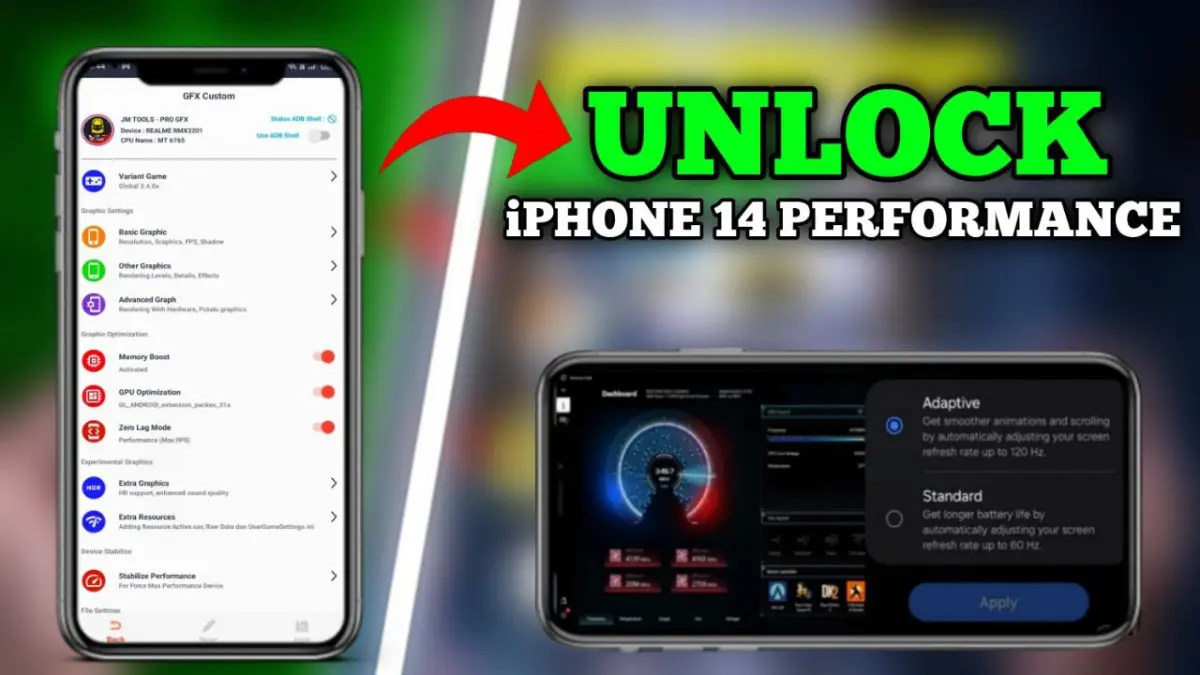
What if you could force that buttery smooth refresh rate everywhere? That’s the whole idea behind tools like the JM Tool Pro app. It’s a clever workaround for supported Android devices that aims to bypass system limitations.
Features:
- Boost overall performance and keep Android running smoothly.
- Unlock the true 120Hz refresh rate your hardware supports.
- Force a high refresh rate in all apps and games, not just the select few the system allows.
- Enjoy smoother scrolling and ultra-fluid UI animations—think silk, not sandpaper.
- Get an improved gaming experience with fewer frame drops.
- Safely bypass system refresh rate limits without needing root access.
- Benefit from optimized touch response and faster screen transitions.
A quick, logical disclaimer: Your experience depends on your specific phone model and screen hardware. An app can’t magically create a 120Hz panel if your hardware doesn’t have one. But for devices with capable screens that are software limited, it’s a nifty trick.
Just remember, forcing a higher refresh rate can impact battery life a bit more. That’s the trade off for all that silky smoothness. If you’re tired of your phone’s inconsistent performance, it might be worth a look. Your eyeballs might thank you.