| File Name | Quick RAM |
|---|---|
| Size | Just KB |
| Version | Final |
| Category | Magisk Modules |
| Android requirement | + 6.0 |
| Published By | @nonosvaimos |
| Rating | 4.9 / 5 |
| Price | Free |
Get Link
Step-by-Step Installation:
- Ensure Root Access: The first prerequisite is having root access via a custom recovery.
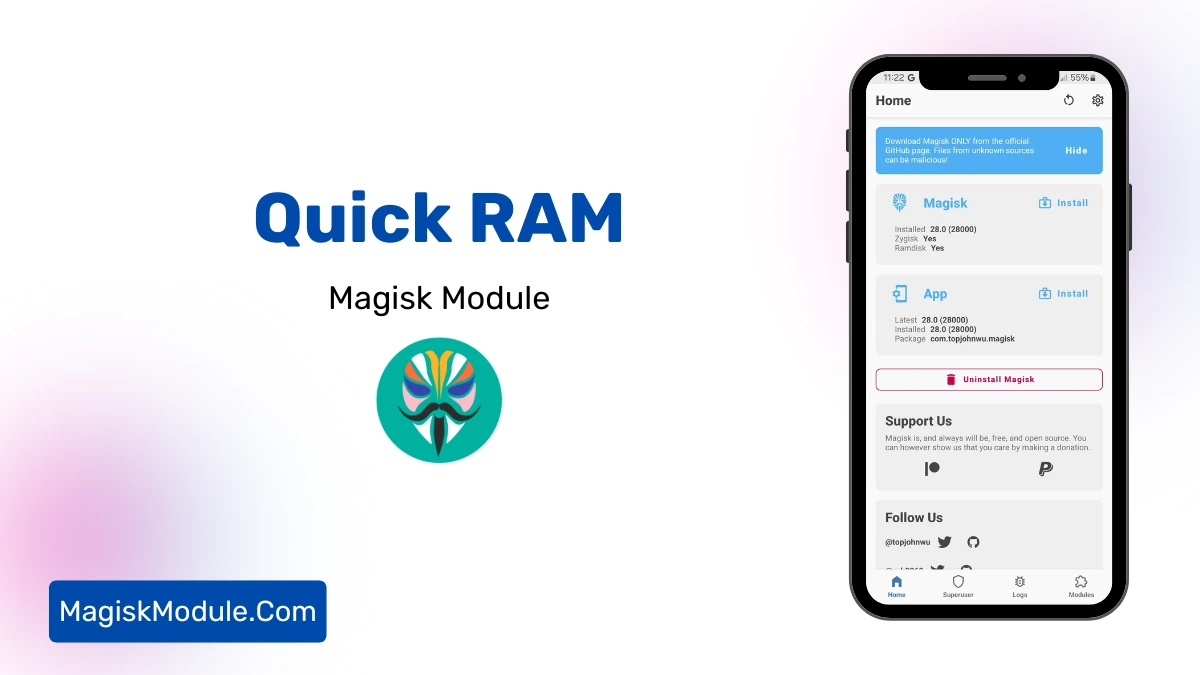
- Install via Magisk Manager:
- Open the Magisk Manager.
- Tap on the “Modules” section.
- Click “Install from Storage” and locate the geted file.
- Confirm the installation and allow the module to apply the necessary changes.
- Reboot Your Device: After installation, reboot your device to activate the module.
So, what is this module and how does it change gaming? We’ll cover everything about the Quick RAM Magisk Module. You’ll learn how it works, its key features, and its impact on games like PUBG and MLBB. We’ll also guide you through installation and discuss some risks. By the end, you’ll know if it’s right for you.