Get Link
Step-by-Step Installation:
- Ensure Root Access: The first prerequisite is having root access via a custom recovery.
- Install via Magisk Manager:
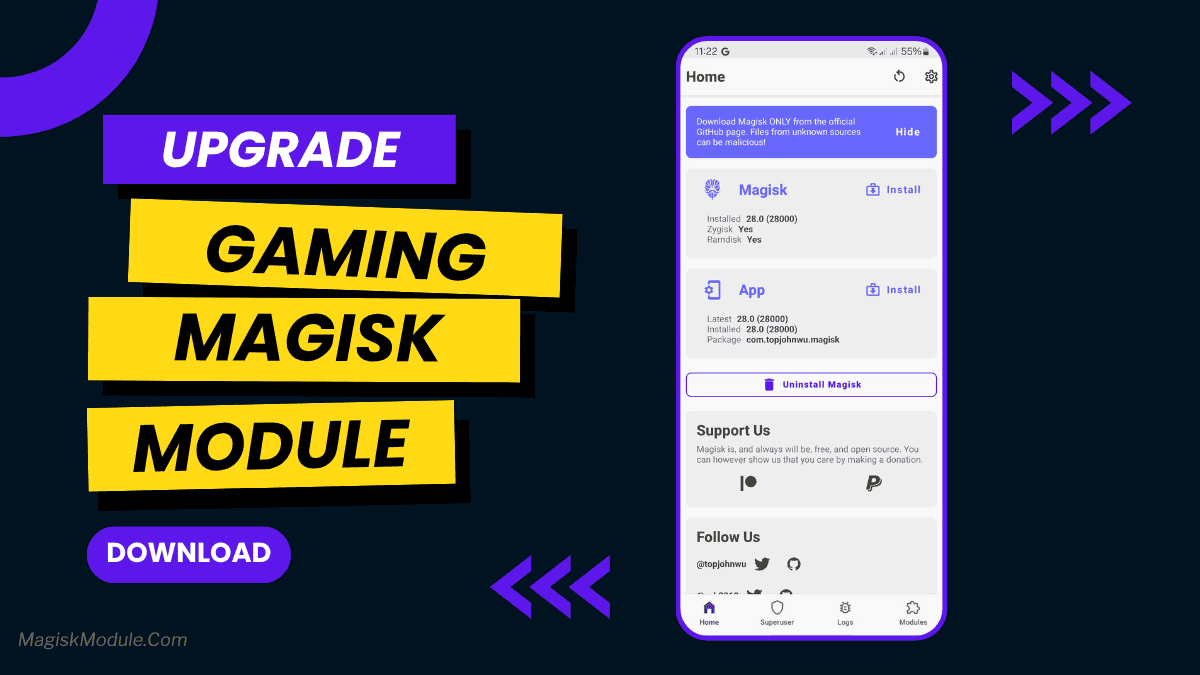
- Open the Magisk Manager.
- Tap on the “Modules” section.
- Click “Install from Storage” and locate the geted file.
- Confirm the installation and allow the module to apply the necessary changes.
- Reboot Your Device: After installation, reboot your device to activate the module.
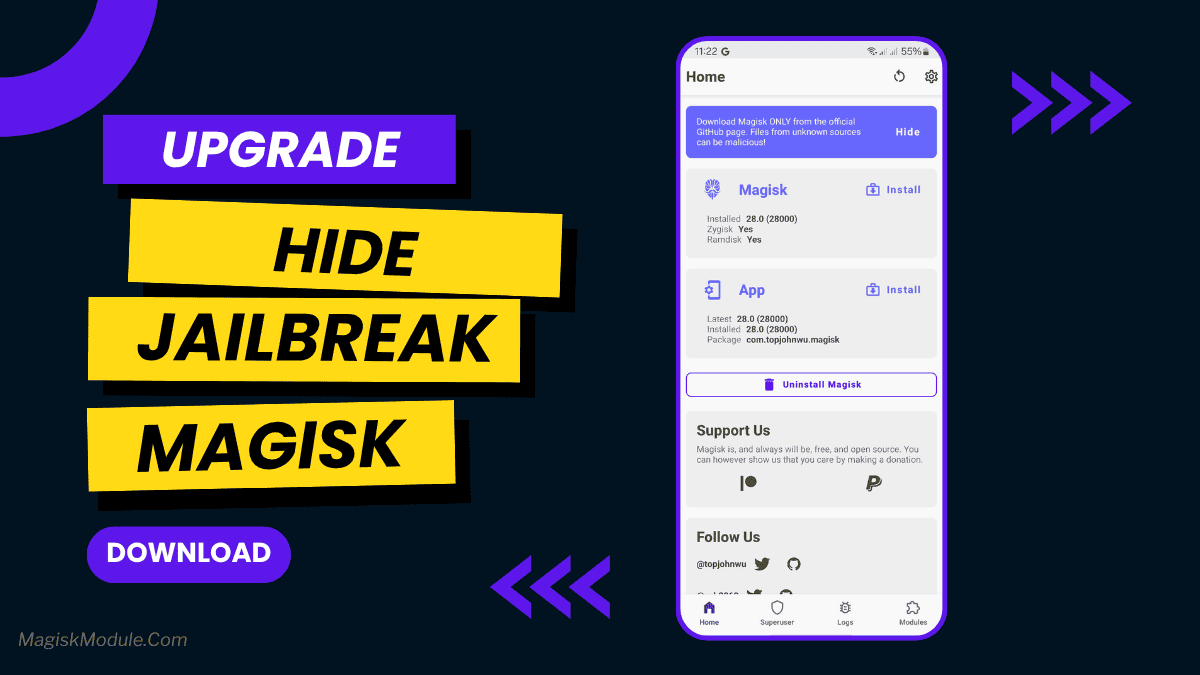
Ugh, getting blocked from your banking app or favorite game just because your phone’s rooted? We’ve all been there, and it’s seriously annoying. This Hide Jailbreak Detection Magisk Module helps you fly under the radar. It cleverly hides root access from those snooping apps, letting you use banking apps, stream services, or games like Pokémon GO without restrictions. Think of it as your phone’s invisibility cloak against detection. Flash it and get back to using all your apps freely!