
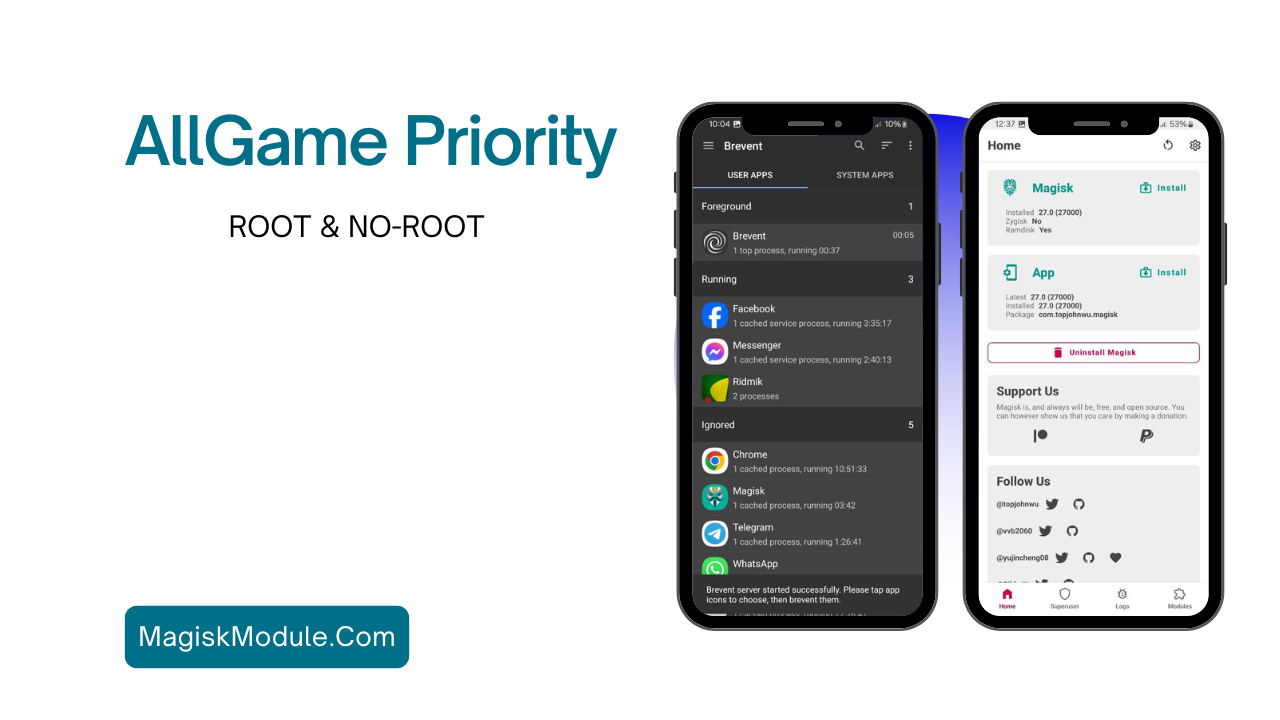
AllGame Priority is a module designed to periodically elevate task priorities for games, aiming to enhance their performance.
Install Instructions
Non Root Method
1. Extract the Priority folder from “AllGame Priority 5.0 NR.zip” to internal storage.
2. Use either Brevent or another ADB shell app.
3. Edit the gamelist.txt file to add support for additional games.
4. Execute the following commands to run the module:
Run:
sh /sdcard/Priority/run.sh
Run without toast:
sh /sdcard/Priority/run.sh notoast
Kill program:
sh /sdcard/Priority/run.sh kill
– Make sure to edit gamelist.txt to include support for additional games.
Root Method
1. Install “AllGame Priority 5.0 R.zip” using a root manager app like Magisk, KernelSU, or Apatch.
2. Reboot your device.
– su -c AGP | to configure if required.
Changelogs
– Android 14 Support: Added support and compatibility improvements for Android 14.
– MultiArch Binary Support: Introduced binaries for ARM and ARM64 for broader compatibility.
– Root Version JSON Update: Added a module update menu in the root manager app if updates are available.
– Miscellaneous Fixes: Addressed various minor bugs and issues.
Get Link
Author: RiProG
Tester: Hen









Comments are closed.